

In the fast-moving world of visual communication, the right graphic design software can make the difference between a good idea and a breakthrough creative solution. As we step into 2026, professionals face more choices than ever, but only a select few tools truly stand out in terms of performance, flexibility, and return on investment. This guide cuts through the noise to highlight the top graphic design platforms that creative experts rely on — whether they’re building brand identities, crafting digital illustrations, or optimizing workflows.
1. Adobe Creative Cloud: The Industry Standard
Adobe’s suite remains the backbone of professional design workflows — and for good reason. With industry staples like Photoshop, Illustrator, and InDesign, Adobe Creative Cloud delivers unmatched depth and versatility. In 2026, it continues evolving with AI-assisted features like content-aware editing, automated layout suggestions, and smart object recognition that boost productivity while preserving creative control.
While its subscription cost can seem steep, many agencies and freelancers find the ROI undeniable, especially when collaborative cloud features and cross-application integrations are factored in.
2. Affinity Suite: Professional Tools Without Subscriptions
For designers seeking a high-performance alternative to subscription models, Affinity Designer, Affinity Photo, and Affinity Publisher offer professional power at a one-time cost. These tools are praised for their smooth vector workflows, pixel-perfect editing, and impressive stability.
In 2026, Affinity has solidified its place among pro tools by refining performance on both desktop and mobile platforms, making it perfect for creatives who want robust design capabilities without recurring fees.
3. Figma: Collaborative Design at Scale

The rise of remote and hybrid creative teams has elevated Figma from a UI/UX powerhouse to a comprehensive design hub. Its browser-based architecture makes real-time collaboration effortless, and its plugin ecosystem supports everything from icon libraries to automated layout tools.
Figma’s strength lies in teamwork — version history, live editing, and commenting keep teams aligned and reduce back-and-forth revisions. For agencies and distributed teams, this translates into measurable time savings and higher client satisfaction.
4. Canva Pro: Speed and Accessibility for Everyday Projects
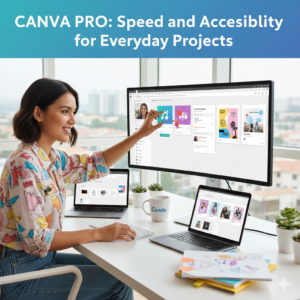
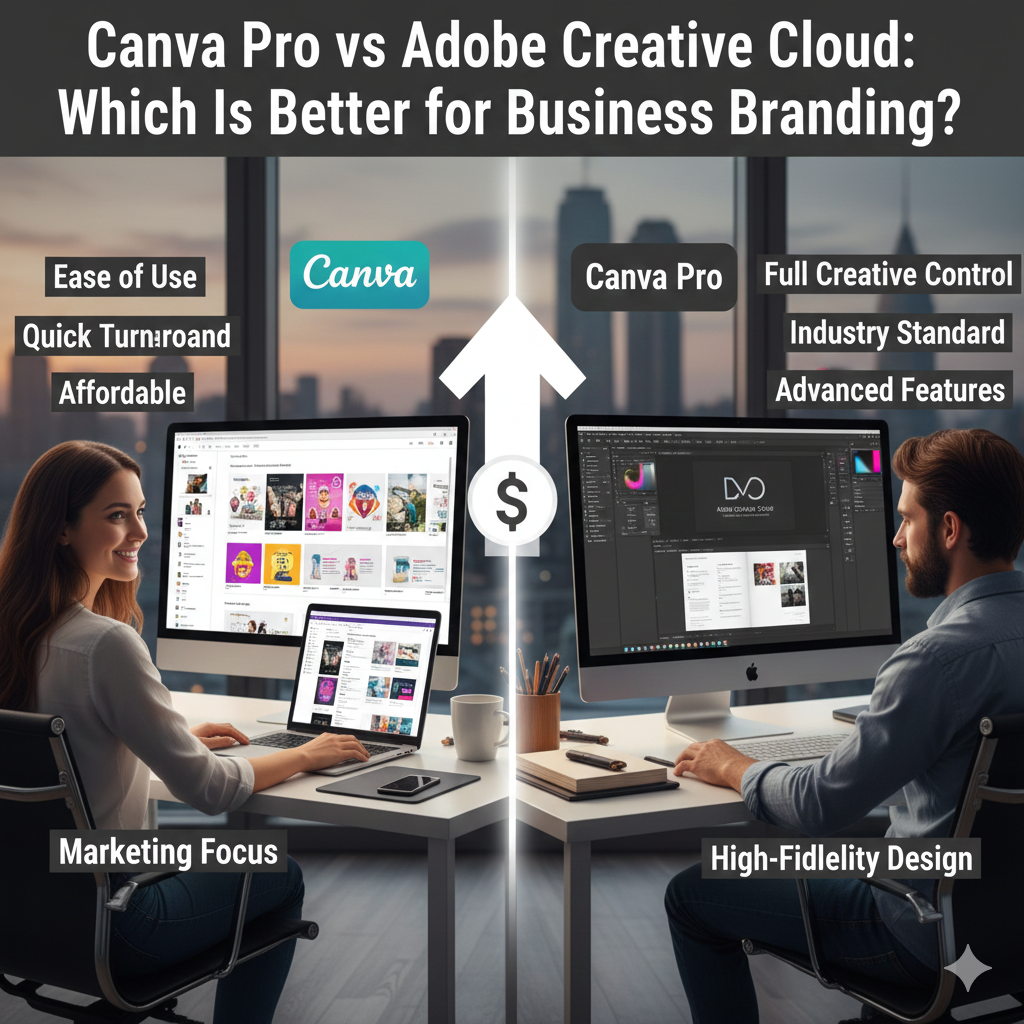
Although it started as a consumer-focused design platform, Canva Pro has grown into a surprisingly capable tool for professionals who prioritize speed and simplicity. In 2026, Canva bridges the gap between quick mockups and serious design work with features like brand kits, content scheduling, and AI-assisted visuals.
While it doesn’t replace fully-fledged design suites for complex vector work, Canva Pro’s ROI shines for marketing teams, small businesses, and social media content creators who need polished outputs fast.
5. CorelDRAW Graphics Suite: A Legacy of Precision
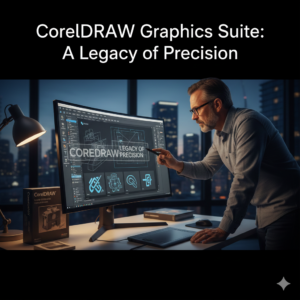
CorelDRAW has long been respected for its vector illustration and layout capabilities. The 2026 edition pushes performance further with improved typography controls, advanced color management, and enhanced export options for print and digital projects.
Professionals who specialize in branding, signage, or packaging often cite CorelDRAW’s precision and customization as strong reasons to include it in their toolkit, especially when paired with compatible hardware like drawing tablets.
Choosing the Right Tool for You
Selecting the best graphic design software ultimately comes down to your workflow, budget, and the type of creative work you do. Here’s a quick way to think about it:
-
Deep professional workflows: Adobe Creative Cloud
-
One-time purchase, powerful features: Affinity Suite
-
Collaborative design environments: Figma
-
Fast, accessible content creation: Canva Pro
-
Precision vector work and legacy support: CorelDRAW
Each of these platforms brings something unique to the table, and many professionals use a combination to get the best results. In 2026’s competitive creative landscape, the smartest investment is a tool that lets you deliver quality work efficiently while keeping clients and audiences engaged.